
Material, explained
Desktop or NAS drive?
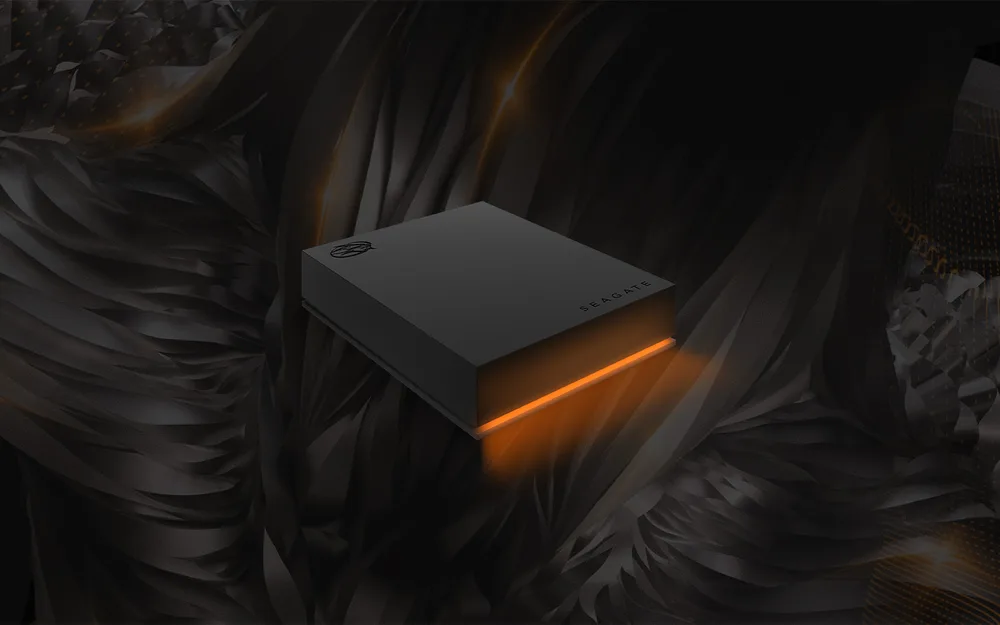
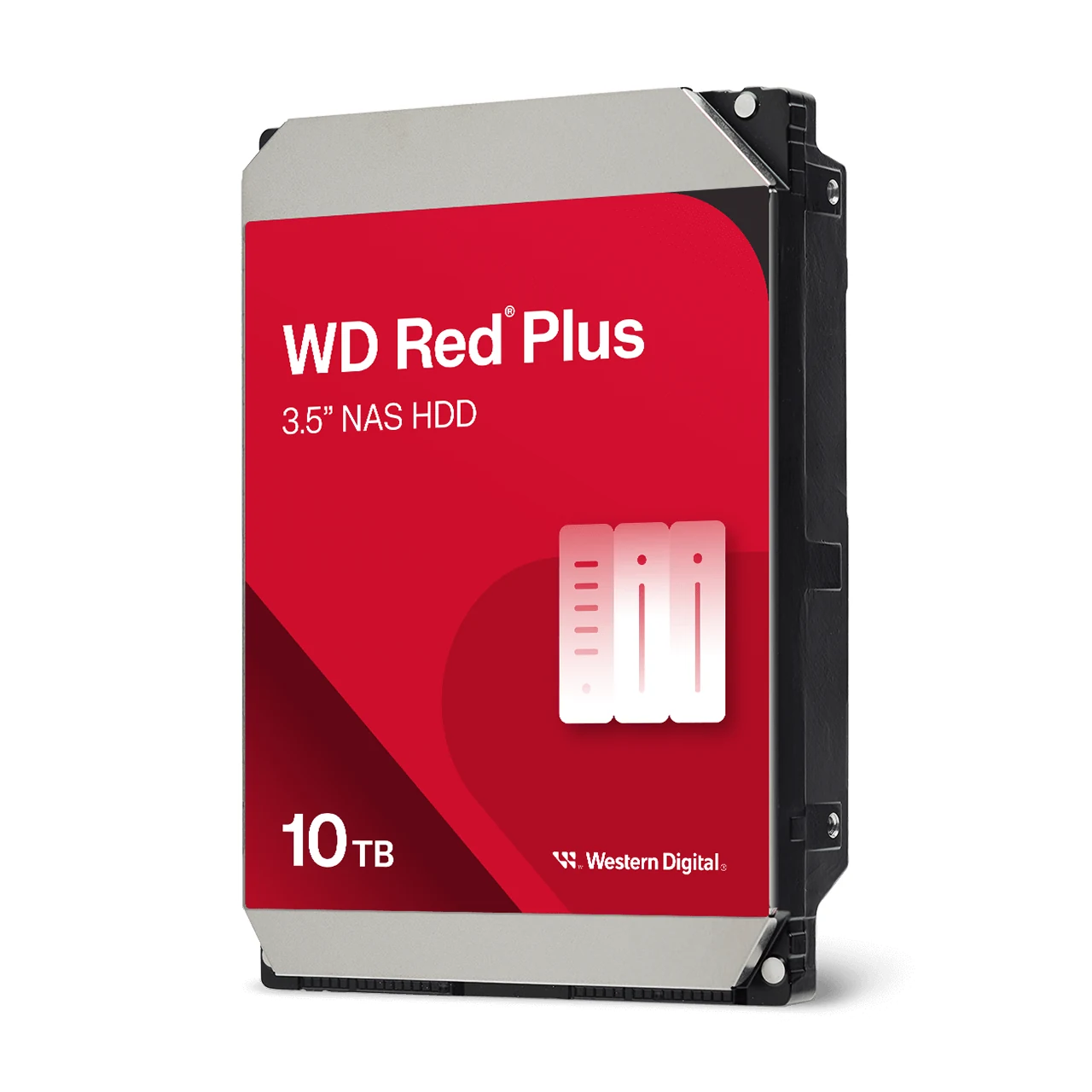
Can I use a desktop hard drive in a NAS?
You can, but it will fail sooner than a NAS drive and take the array with it. A desktop drive is built for one machine, office hours and no neighbours; in a bay beside three others, spinning all day, its lack of vibration sensing and its slow error recovery make the NAS drop it from the array. A NAS drive costs a little more per terabyte and is the only thing that should go in the bays.
How this verdict was reached
- What the published standard settles
- What it costs to install
- What it costs to specify wrongly
- Whether both sides can be supplied from this catalogue
How every verdict on these six pages was reached, in the order the criteria were weighed. Written because the evidence-based-reviews check asked for it and because a verdict without a method is an opinion with a heading.
1. Does the published standard settle it? Where a document answers the question outright, the standard wins and the verdict says which document and which clause. Cat 6A carries 10 Gigabit to 100 metres because ANSI/TIA-568.2-D says so; nothing here is entitled to a second opinion about that.
2. What does it cost to install? Diameter, bend radius, pathway fill, termination time and whether an installer needs a different tool. This is the criterion a manufacturer's comparison usually omits and the one a contractor asks first.
3. What does it cost to get wrong? Asymmetric almost every time. Specifying Cat 6A where Cat 6 would have done wastes money once. Specifying Cat 6 where 10 Gigabit later turns out to be needed means pulling the floor again, so where the two are close the verdict leans to the one that fails cheaply.
4. Can both sides actually be supplied? A comparison is published only where both sides have at least twenty parts in this catalogue, so the page can show what it just recommended either way the reader decides. This is why there is no OM3 against OM4 page.
Not used, deliberately: margin. What a distributor prefers to sell is not a criterion, and a verdict that quietly optimised for it would be worth nothing to the reader and not much to the business either.
Side by side
| What is compared | Desktop drive | NAS drive |
|---|---|---|
| Duty | 8 hours a day, one drive | 24 hours a day, many drives |
| Vibration | No sensing | Sensors for multi-bay use |
| Error recovery | Long retries, which RAID reads as a failure | Short, so the array keeps going |
| Workload rating | Around 55 TB a year | 180 TB a year and up |
| Warranty | Two to three years | Three to five years |
| What decides it | Whether it sits in a bay beside others | Then it is a NAS drive |
Desktop drive, on the shelf
- BarraCuda Internal Drive (ST500DM009) ST500DM009
- BarraCuda Internal Drive (ST1000DM010) ST1000DM010
- BarraCuda Internal Drive (ST2000DM002) ST2000DM002
- BarraCuda Internal Drive (ST2000DM005) ST2000DM005
- BarraCuda Internal Drive (ST2000DM006) ST2000DM006
- BarraCuda Internal Drive (ST2000DM008) ST2000DM008
- BarraCuda Internal Drive (ST3000DM002) ST3000DM002
- BarraCuda Internal Drive (ST3000DM007) ST3000DM007
- BarraCuda Internal Drive (ST4000DM004) ST4000DM004
- BarraCuda Internal Drive (ST6000DM003) ST6000DM003
- BarraCuda Internal Drive (ST8000DM004) ST8000DM004
- BarraCuda Internal Drive (ST24000DM001) ST24000DM001
NAS drive, on the shelf
- IronWolf 6TB NAS HDD ST6000VN001
- IronWolf / IronWolf Pro NAS Drive (ST1000VN002) ST1000VN002
- IronWolf / IronWolf Pro NAS Drive (ST1000VN008) ST1000VN008
- IronWolf / IronWolf Pro NAS Drive (ST1000VNZ02) ST1000VNZ02
- IronWolf / IronWolf Pro NAS Drive (ST2000VN003) ST2000VN003
- IronWolf / IronWolf Pro NAS Drive (ST2000VN004) ST2000VN004
- IronWolf / IronWolf Pro NAS Drive (ST3000VN006) ST3000VN006
- IronWolf / IronWolf Pro NAS Drive (ST3000VN007) ST3000VN007
- IronWolf / IronWolf Pro NAS Drive (ST4000VN006) ST4000VN006
- IronWolf / IronWolf Pro NAS Drive (ST4000VN008) ST4000VN008
- IronWolf / IronWolf Pro NAS Drive (ST6000VN006) ST6000VN006
- IronWolf / IronWolf Pro NAS Drive (ST6000VN0033) ST6000VN0033
Other choices we get asked about
Still not sure which the job needs? Describe the run and our team will tell you, and quote it.
Data Systems · +91 99595 55222 (call or WhatsApp) · 040-27811708 · admin@datasystems.co.in · Secunderabad (HQ) · Vijayawada · Visakhapatnam · Mon to Sat, 9:30 to 7
Some images on this site were created with AI and the item supplied may not look exactly as shown. The part code, not the picture, decides what ships.
Corrections and editorial policy · Privacy · Terms · Material, explained · Brands · PoE calculator